Logging
DART uses the Winston library for logging. You can find the location of your DART logs by choosing Help > About from the main menu. You should see a dialog like this:
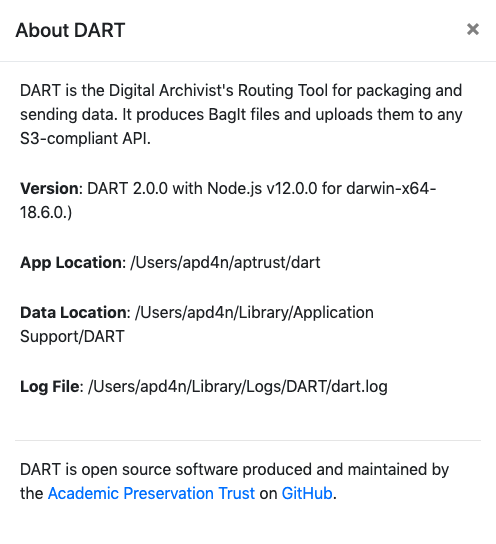
As you develop, you can tail the logs to see what's happening in real time. Just substitute the proper log location in the command below.
Also note that you can tail the logs directly from DART by choose Help > Logs from the menu. While this approach is handy, there are two caveats. First, if the log file is large, the log window may take a long time to load. Second, DART rotates its logs when they reach a size of 5 MB. If that rollover happens while you're tailing the log in the DART log window, you won't see any entries logged after the rollover.
DART logs to a different file when it runs unit tests, usually to a directory called .dart-test/log/dart.log. For more information on logging, see the code in util/logger.js and the config settings in core/config.js.